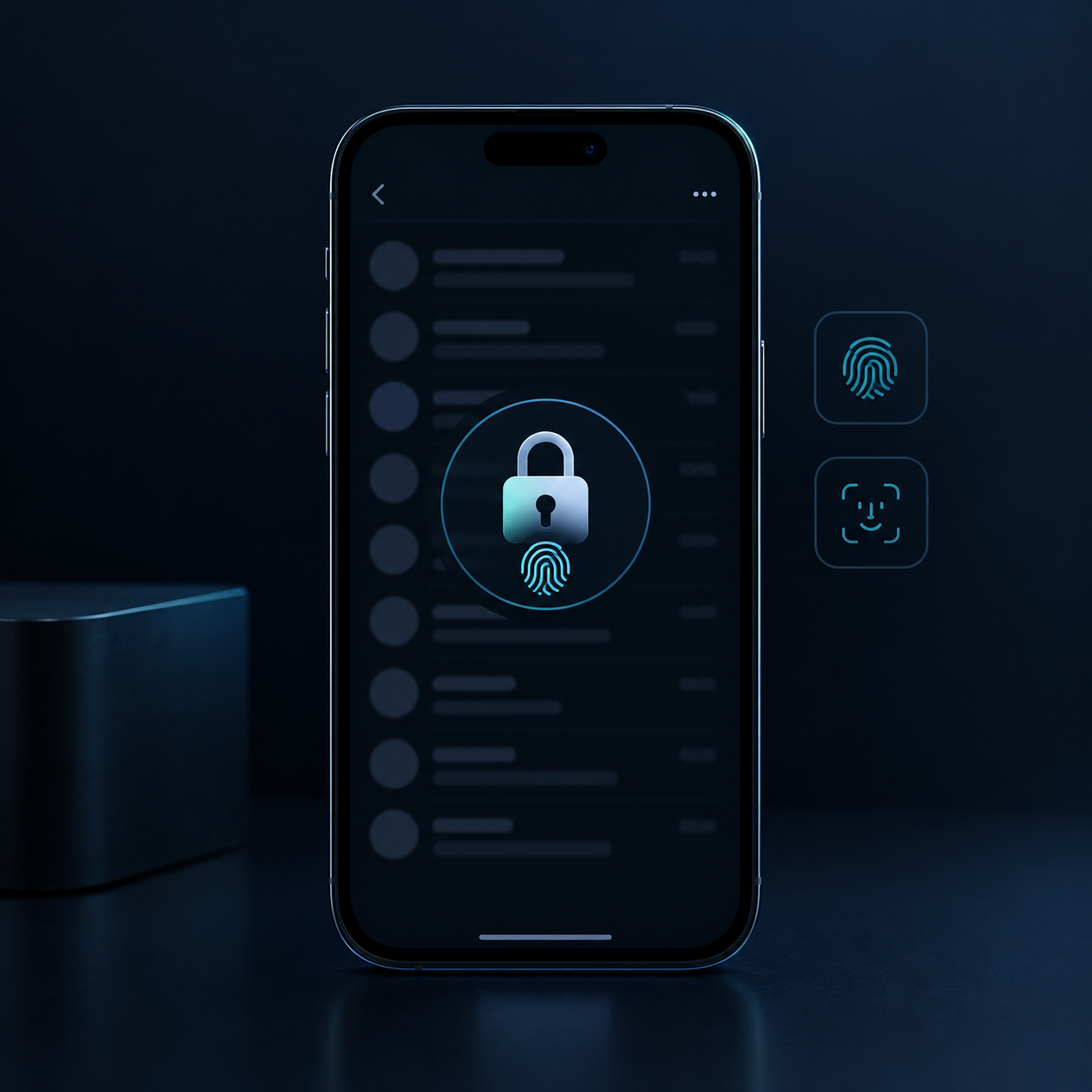
OpenAI has begun rolling out Locked Chats, a feature that allows ChatGPT users to hide private conversations from their regular chat history and search results, restricting access through a PIN or biometric authentication on supported devices.
The feature is designed to keep selected ChatGPT conversations out of sight from other people. For example, when users show their devices to someone else, their private conversations will not appear in the regular chat list.
To lock a conversation, users need to select Lock chat from the three-dot menu (•••) next to the chat. The conversation will then be moved to the Locked Chats section, where access requires a four-digit PIN.
On supported mobile devices, users can also authenticate with Face ID, Touch ID or their device’s unlocking method. The feature is being gradually rolled out across ChatGPT Free, Go, Plus, Pro, Business, Enterprise and Edu plans, so it may not yet be available to everyone.
According to OpenAI, if users forget their PIN and reset it, all locked conversations, protected files and memory data stored exclusively within those conversations will be permanently deleted and cannot be recovered.
However, Locked Chats is not a comprehensive data security solution. Locking a conversation does not introduce end-to-end encryption, change OpenAI’s data retention periods or affect users’ existing settings regarding the use of conversations to improve models. In addition, information already saved in ChatGPT’s memory before a conversation is locked is not automatically deleted.